Samford's online tools for graduate nursing students
Online Samford nursing students work in a handful of systems: mySamford and Banner Self-Service for records, Degree Works for the degree audit, Canvas for courses and the Nurse Practitioner Homeroom, Bulldog e-mail for every official message, and ExamSoft for proctored exams. Here is what each one does, what Samford's handbooks say about it, and where to get help when something stops working.
Get your placement plan
Tell us your Samford program and where you live. A placement advisor replies with preceptor and site options in your community that fit your Samford course.
The systems at a glance
Samford protects sign-in with DUO two-factor authentication, and its handbooks refer to each system by its Samford name, so learn the names in the table early. The Moffett & Sanders School of Nursing adds its own layer on top: Canvas holds the Nurse Practitioner Homeroom, and the graduate handbook sets the rules for e-mail and equipment.
| System | What it does for you | Samford's name for it |
|---|---|---|
| mySamford | The portal where you sign in and reach the other tools | Samford Campus Portal, in the graduate handbook |
| Banner Self-Service | Transcripts, grades, class schedules, financial aid and registration changes | Banner: Student |
| Degree Works | Your degree audit, reviewed by your advisor before graduation | Degree Works |
| Canvas | Courses, syllabi and the Nurse Practitioner Homeroom | Canvas, formerly Moodle |
| Bulldog e-mail | Every official message from the school, on Microsoft 365 | Samford University Bulldog e-mail |
| DUO | Two-factor sign-in | DUO |
| ExamSoft and Examplify | Proctored nursing exams | ExamSoft/Examplify |
| Dynamic Forms | Online forms such as the nursing course substitution | Dynamic Forms |
| RAVE and Alert Samford | Emergency notifications | RAVE, Alert Samford app |
mySamford, Banner Self-Service and Degree Works
mySamford is the front door. The graduate handbook calls it the Samford Campus Portal and says the Banner icon there shows transcripts, grades, class schedules and financial aid information. The Registrar's registration help follows the same route: sign in to mySamford, choose Banner: Student under Tools, then open the Registration Menu.
Your student ID, the 900 number, appears right after your name on your Banner Student Profile. Address changes also go through the portal, and that has a clinical side: if you move to another state, the handbook separately makes you responsible for notifying your program coordinator so state rules can be checked. Our guide to clinicals outside Alabama explains why.
Degree Works holds your degree audit. The Registrar encourages an early graduation application so your advisor has time to review that audit, and the 2026-27 academic calendar lists the application deadlines and term dates.
Canvas and the Nurse Practitioner Homeroom
Canvas, made by Instructure, is Samford's learning management system. It replaced Moodle at some point between the 2018-19 academic year, when the graduate catalog still sent students to Moodle quizzes, and March 2020, when a Samford post described a class held over Canvas Conference.
The graduate handbook sets two access rules. A course appears when the course coordinator opens it at the start of the semester, and access to each course is limited once you complete it. Download syllabi and the course documents you may want later while the course is still open.
For nurse practitioner students, the most important space in Canvas is not a course at all but the Nurse Practitioner Homeroom. Every NP student is expected to read the NP Clinical Manual stored there and abide by its policies, clinical standing and progression among them. The manual is not public, and our NP Homeroom and Clinical Manual guide explains what the handbook says lives there.
Bulldog e-mail is the official channel
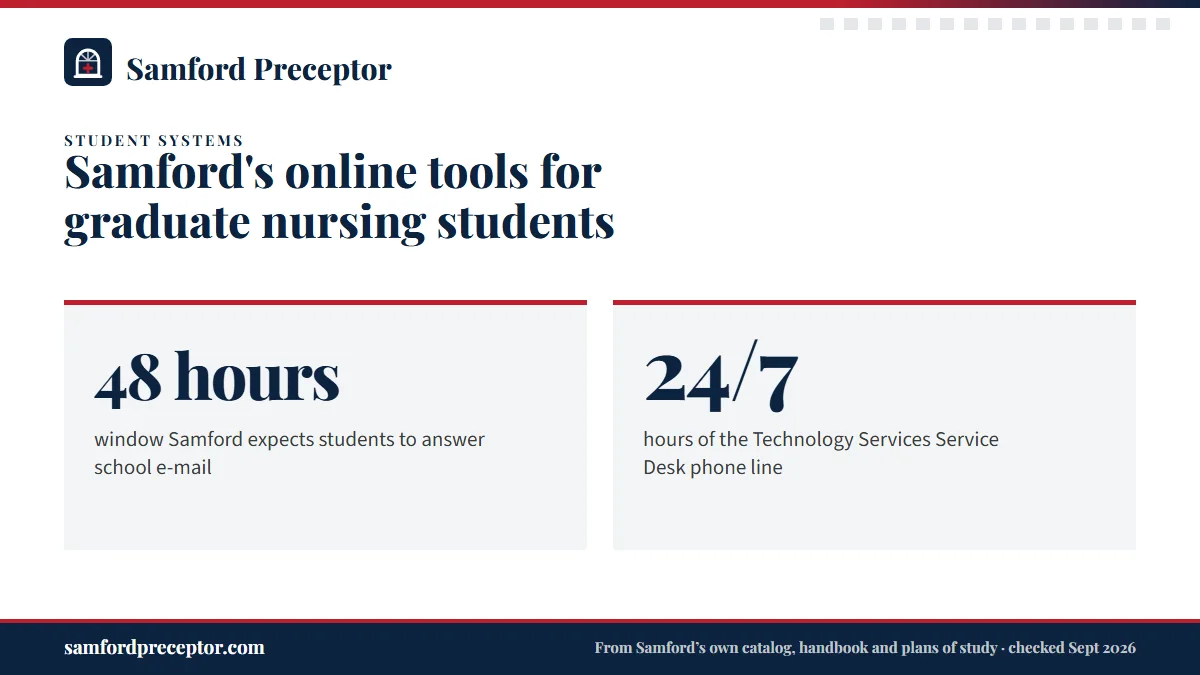
Samford's student e-mail, which the handbook calls Samford University Bulldog e-mail, runs on Microsoft 365, and Samford makes Microsoft Office available to students through it. The graduate handbook expects students to respond to all messages within 48 hours.
The school does not use personal e-mail accounts to reach enrolled students, so everything official lands in your Samford inbox, including the Graduate Student Services message confirming your registration for the next term. Put the account on your phone in the first week and check it daily during clinical terms, when a question from your course faculty or a site can be time-sensitive.
Your Samford address also opens the library, which ties database access to that account, so a problem with your e-mail is also a problem with your research; the library and academic support page covers the rest.
Exams: ExamSoft, Examplify and what the handbooks say
The Moffett & Sanders School of Nursing uses ExamSoft and its Examplify app for proctored exams. The undergraduate handbook says the school uses it for all proctored examinations, with identity checks through ExamID, and describes ExamMonitor, which records video, audio, the testing environment and screen activity during exams taken outside a classroom, including exams in online courses.
The graduate handbook for the nurse practitioner and non-APRN tracks names no proctoring product. It requires a laptop, a stable internet connection, a webcam and a microphone. Samford's approved software list also includes LockDown Browser and Respondus, so read each syllabus for the tool your course actually uses.
Nurse anesthesia students have one more requirement. Their handbook says the school contracts with ExamSoft for electronic exams and requires a laptop privacy filter with at least 60-degree security.
Help when something breaks: the Service Desk
Technology Services runs the Service Desk, which the handbooks also call the Help Desk. It sits in Room 012 of the University Library and offers telephone, e-mail and in-person support. The phone line runs 24 hours a day, 7 days a week, and the desk offers remote assistance to students whose computers are off campus.
DUO ties your sign-in to a device, so plan the switch before you replace a phone, and bring sign-in trouble to the Service Desk rather than waiting it out before an exam. The same goes for Examplify installs and webcam checks: test them days ahead, not minutes ahead.
The Service Desk handles technology, not clinical questions. For who to ask about a preceptor, a rotation request or your clinical paperwork, see who does what at Samford.
Clinical systems that Samford's public documents leave unnamed
Some systems you will meet in a clinical course are not named in Samford's public documents. The graduate handbook refers only to "the MSSON contracted compliance company" for background checks and drug testing, and no public document names the tool nurse practitioner students use to log clinical hours. Look for both in your course and the NP Homeroom. Nurse anesthesia is the exception: its handbook puts case logs, daily preceptor evaluations and compliance records in Typhon.
Clinical sites add systems of their own. Some Alabama health systems route student onboarding through ACEMAPP, where "Samford University - Health Sciences" appears as a member school; others, such as Huntsville Hospital, use their own registration form, orientation modules and student badge, according to its student page.
Tracking which site wants which portal, module and badge is part of what the placement desk does for you. Once a preceptor says yes, we line the site's onboarding up against your Samford compliance record and your term dates, so the first clinical day starts on time. Send us your course and term.
Questions Samford students ask
Where do Samford NP students record clinical hours?
Samford's public documents leave the tool unnamed for nurse practitioner students. The graduate handbook points NP students to the NP Clinical Manual, stored in Canvas inside the Nurse Practitioner Homeroom, and your clinical course syllabus is the other place to check. Nurse anesthesia students log their cases in Typhon, the system their own handbook names.
Does Samford give nursing students Microsoft Office?
Yes. Samford student e-mail runs on Microsoft 365, and Samford makes Office available to students through that account. That covers the Word documents most papers need, formatted in APA style for graduate nursing courses. If an install fails on a personal laptop, the Technology Services Service Desk can help, including by remote assistance.
How do I get a Samford student ID card as an online student?
ID cards are issued through Samford One Stop. Samford's written instructions, prepared for its law school in 2019, have students upload a photo through the CBORD GET system, which also runs Bulldog Bucks. Your graduate nursing badge carries the University logo, your name and track, the words graduate nursing student, and the school's name.
How do online Samford students print or pay a bill?
Samford's student resources list WEPA for printing and TouchNet for bill payment. Questions about charges or aid go to Samford One Stop, the student financial services office in Ingalls Hall. Online students who come to Birmingham for on-campus intensives can use WEPA printing while on campus.
Do I need a webcam for Samford's online nursing courses?
Yes. The graduate nursing handbook lists a laptop, a stable internet connection, a webcam and a microphone as requirements. Proctored exams can record video and audio, so test your camera, microphone and connection in the exam software well before the first test, and choose a quiet, well-lit room for exam days.
Related pages
Last checked 2026-09-25
We check these pages against Samford's own program pages, plans of study, the 2026-27 Graduate Nursing Student Handbook and Alabama rules. Your course, your program coordinator and Graduate Student Services have the final word.
Samford says connections are essential. We are the connection.
Tell us your Samford track, where you live and when your next clinical course starts. We find preceptors near you who fit the course and prepare the details Samford needs to approve the rotation, including a new affiliation agreement where one is needed.
- Preceptors matched to the course: adult primary care for
NURG 723, family practice across the lifespan forNURG 724, psychiatric care forNURG 788 - Preceptor, license and site details ready for your clinical rotation request
- In your own community, anywhere Samford accepts you and your RN license is valid
Start your placement plan
Program, city and start date is all we need to begin.